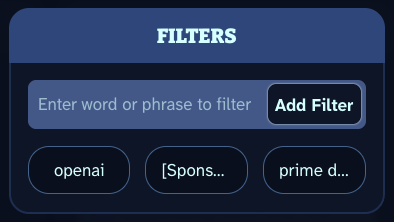
Our Filter feature is just one of the many ways Scoopy keeps you in control of what you see in your scoop. Within the settings pane, you can add or remove any filter you want. Filters can have spaces and special characters, allowing you to pinpoint the exact items you want removed.
Once a filter is added, every time your scoop is loaded, Scoopy will make sure no item title matches a filter, and if it does, one of a few things will happen.
- First: that that item’s weight moves to zero. (More information on weights coming in the future) In practice this usually means for the majority of sections it will instead display the previous item in the source.
- For any section intended to show all items for a feed, the filtered item will be replaced with “This Item Filtered”.
- Clicking on a “This Item Filtered” item will open a peek that tells you which filter this specific item hit. It will also provide a handy link to settings in case you want to remove that filter.
We hope this feature gives you both peace of mind and a sense of control over what you do and don’t see while using Scoopy.